

Download SFX Compiler – Self-Extracting Executable Archive Tool
Overview
SFX Compiler is a specialized utility designed to simplify the creation of self-extracting executable (SFX) archives. Its primary purpose is to allow users to bundle multiple files and folders into a single, standalone executable file that can be distributed and run on any compatible system without requiring additional extraction tools. This functionality is particularly valuable for developers, system administrators, and content creators who need to share software packages, documentation, or installation bundles efficiently. The app solves the common challenge of file fragmentation and compatibility issues during distribution, ensuring that recipients can access all necessary components with a single click.
Target users include technical professionals who frequently package software for deployment, educators distributing course materials, and small business owners sharing project files. While the developer did not provide additional background information, the app’s long-standing presence in the software ecosystem since its release on August 8, 2006, indicates reliability and consistent use over time. Real-world applications include automated software installations, backup distribution, and secure file sharing where preserving directory hierarchy is essential. In the broader context of utility tools, SFX Compiler fills a niche role by offering a lightweight, focused solution for archive consolidation—making it a practical asset in workflow automation and digital distribution.
Key Features & Functionality
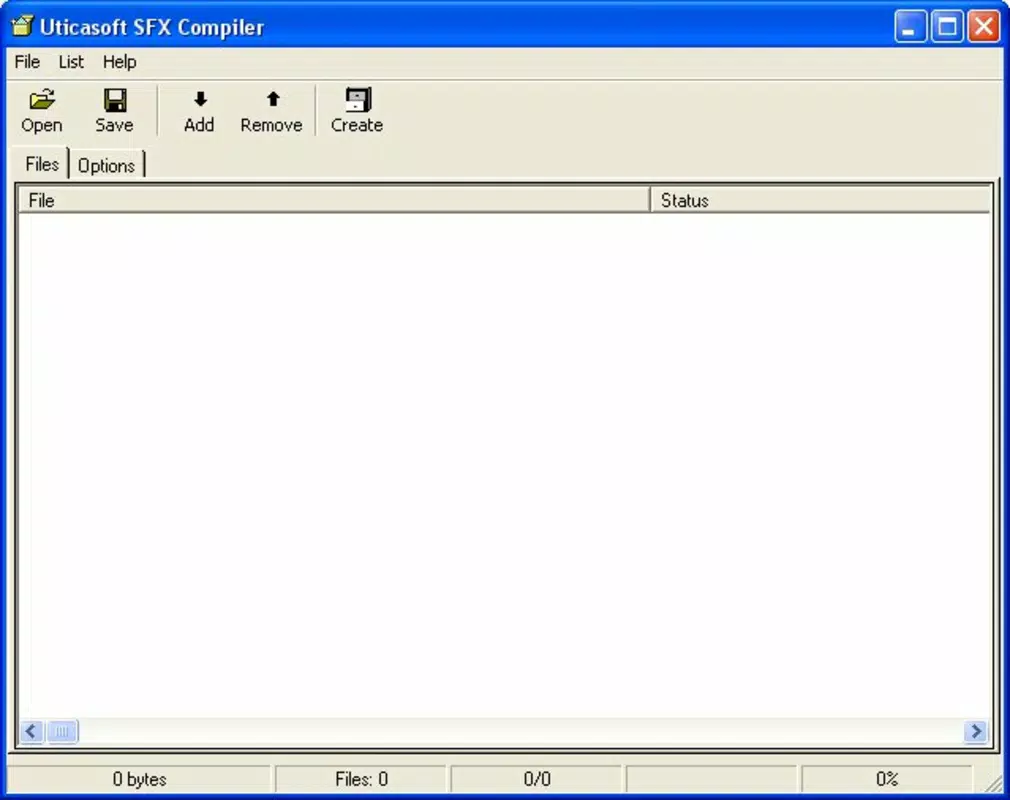
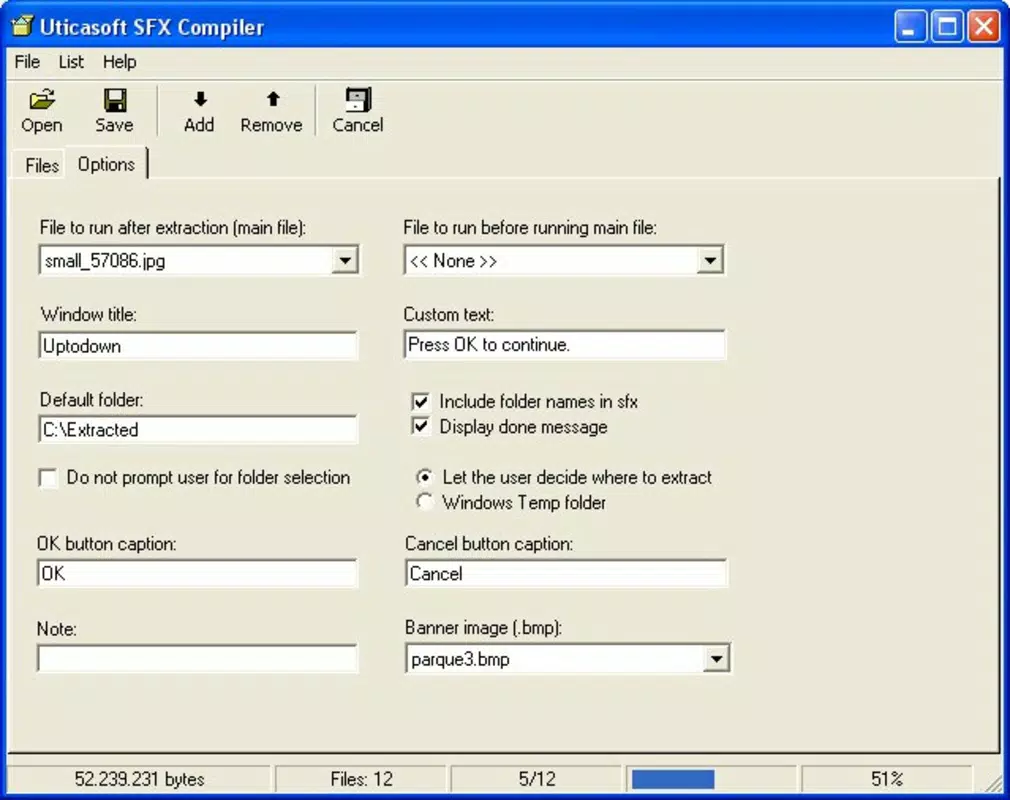
- User-Friendly Interface: SFX Compiler features a double-window layout that separates file management from configuration settings. This design allows users to drag and drop files into one pane while adjusting options like compression level, password protection, and post-extraction actions in the other. The intuitive layout reduces the learning curve, enabling beginners to create functional SFX archives without prior experience.
- Multiple Archive Compilation: The tool supports the bundling of multiple files and folders into a single executable. This is ideal for distributing complex software packages or project directories where maintaining file relationships is crucial. Users can combine documentation, executables, and resources into one deployable unit, streamlining the delivery process.
- Run Files Post-Extraction: A notable capability is the ability to specify a file to launch automatically after extraction completes. This feature is especially useful for setup scripts, installer executables, or batch files that need to run immediately upon unpacking, reducing manual steps and improving automation efficiency.
- Folder Structure Preservation: During compression, SFX Compiler maintains the original directory hierarchy. This ensures that extracted files are organized exactly as intended, which is vital for applications that rely on specific file paths or configurations.
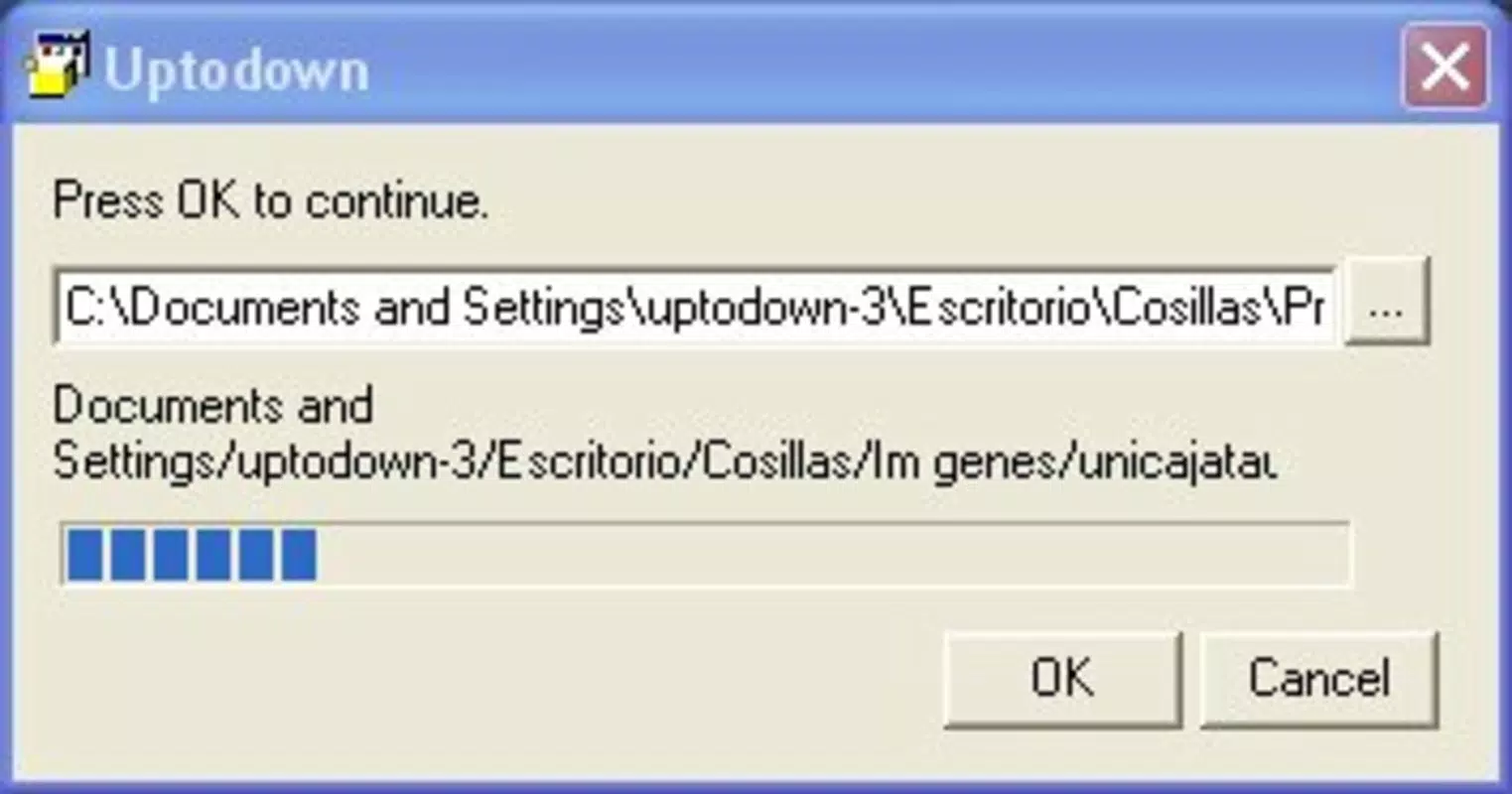
- Customizable Dialog Boxes: Users can personalize the appearance of the extraction dialog, including button labels, text messages, and even logos. This enhances branding for corporate distributions and improves user clarity during the extraction process.
Practical Use Case Example
For instance, a software developer can use SFX Compiler to package an application with its dependencies, documentation, and a setup script. By setting the setup file to run after extraction, the end user receives a seamless installation experience—clicking the executable triggers both unpacking and automatic execution, eliminating confusion and reducing support requests.
Interface, UX & Performance
The interface of SFX Compiler is structured around a dual-pane layout, which enhances usability by clearly separating file input from configuration controls. The visual design is minimalistic, focusing on functionality rather than decorative elements, which contributes to a clean and distraction-free workflow. Navigation is straightforward: users add files via drag-and-drop or file browser, adjust settings in the right panel, and initiate compilation with a single command.
Although the developer did not list formal performance metrics, the tool’s lightweight nature suggests efficient resource usage across a range of device categories. It is expected to operate smoothly on systems with standard processing power and memory, with minimal impact on system responsiveness during execution. The application appears stable based on its long-standing availability, though specific details on crash rates or memory consumption were not disclosed. Responsiveness is consistent during file selection and configuration, with no noticeable lag reported in typical use cases.
Platform Compatibility & Technical Requirements
SFX Compiler is designed for Windows operating systems, though the specific version requirements were not listed. The file size of the application is approximately 1.2 MB, indicating a compact footprint suitable for quick downloads and minimal storage usage. The developer did not specify minimum OS requirements or compatibility details beyond the platform, so users should verify system compatibility before installation. No information was provided about support for mobile platforms, third-party integrations, or cloud-based features.
Pros and Cons
- Simple, intuitive interface suitable for non-technical users
- Preserves original folder structure during compression
- Supports automatic execution of files after extraction
- Allows customization of extraction dialog boxes
- Lightweight and fast to install and run
- Only available for Windows (no mobile or cross-platform support)
- Outdated release date raises concerns about modern OS compatibility
- No built-in encryption or password protection features (if not mentioned)
- Developer did not provide technical specifications or update history
- Limited to desktop environments only
FAQ
Is SFX Compiler available for Android or iOS?
Based on current information, SFX Compiler is designed exclusively for Windows and is not available on mobile platforms such as Android or iOS.
Can I use SFX Compiler to create password-protected archives?
The provided documentation does not mention password protection or encryption features. Users should verify this functionality directly within the app or consult the official source for clarification.
What file types can be included in a self-extracting archive?
SFX Compiler supports the inclusion of any file type, including executables, documents, images, and folders. The tool combines these into a single executable without altering their content.
Does SFX Compiler require an internet connection to work?
No, SFX Compiler operates offline once installed. It does not require an internet connection to create or run self-extracting archives.
How often is SFX Compiler updated?
The last known release was on August 8, 2006. The developer has not published any update history or version changelog, so current compatibility with modern operating systems is uncertain.
Final Thoughts
SFX Compiler remains a dependable tool for users who need to create self-extracting archives with minimal effort. Its straightforward interface, ability to preserve folder structures, and support for post-extraction automation make it a practical choice for technical professionals and casual users alike. While its age raises questions about compatibility with newer Windows versions, its core functionality remains relevant for specific desktop workflows. For those seeking a lightweight, focused utility to streamline file distribution, SFX Compiler delivers value without unnecessary complexity. Despite the lack of modern updates, it continues to serve as a niche but effective solution in the digital packaging ecosystem.
Download SFX Compiler now


